BongikaziMnyamana
GitHub Student Account
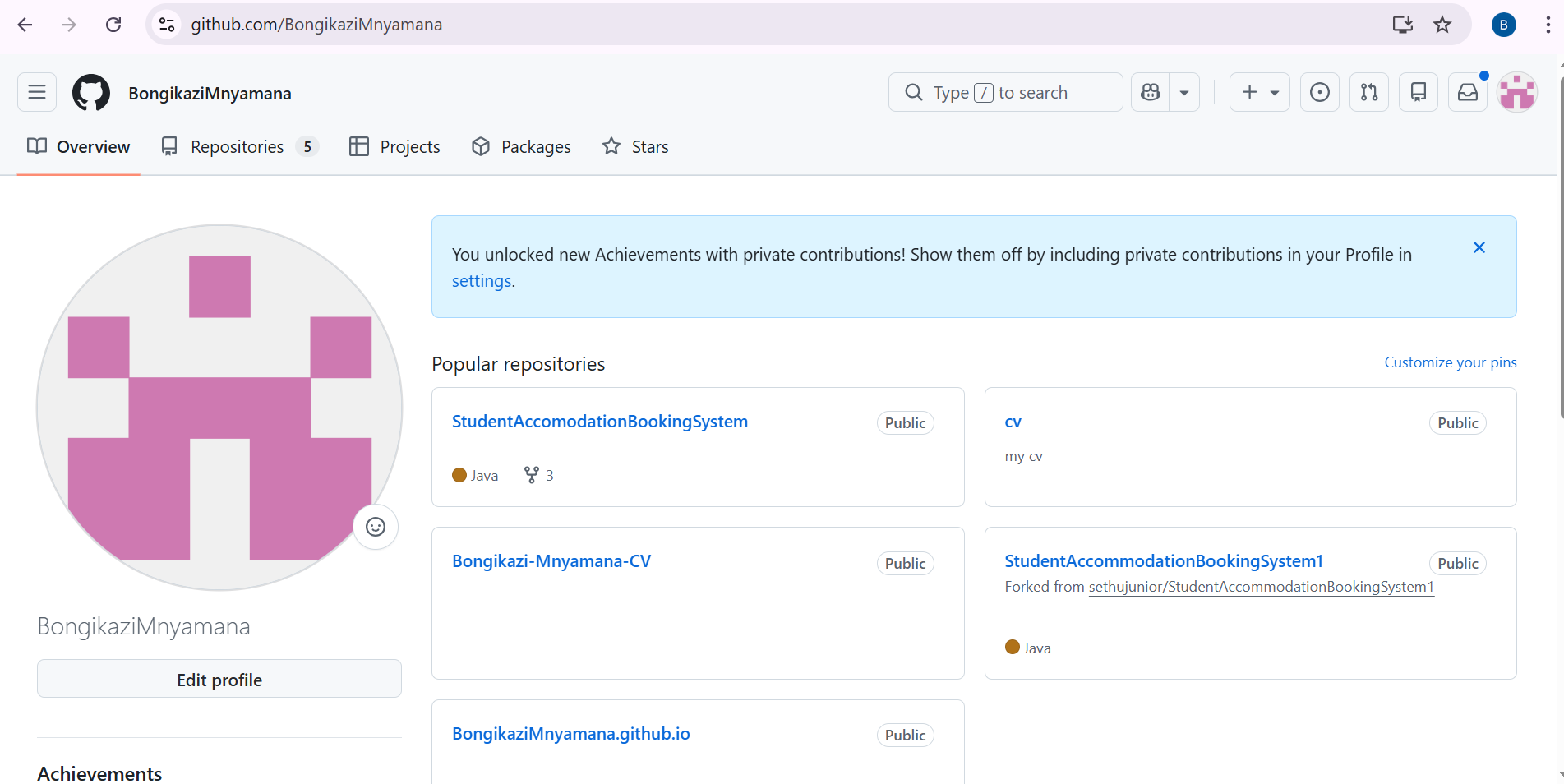
Username: BongikaziMnyamana
GitHub Profile: [github.com/BongikaziMnyamana]([https://github.com/BongikaziMnyamana]
Bongikazi Malebu Mnyamana
📧 222718404@mycput.ac.za
📞 +27 69 533 0914
📍 Cape Town, South Africa
🌐 https://github.com/BongikaziMnyamana
🔗 https://www.linkedin.com/in/bongikazi-mnyamana
🎓 Education
National Senior Certificate (Grade 12) (2021)
Cofimvaba High School, Eastern Cape
Higher Certificate in Information & Communication Technology
Cape Peninsula University of Technology
Diploma in Information and Communication Technology (Application Development) (Current)
Cape Peninsula University of Technology, Cape Town
💻 Technical Skills
Programming Languages:
Java, Python, JavaScript
Web Technologies:
HTML, CSS
Databases:
MySQL, Derby
Tools & Technologies:
Git, GitHub, NetBeans, Node.js
💼 Projects
NGO Management System (Personal Project)
- Developed a Java desktop application with MySQL integration using JDBC
- Implemented secure authentication and full CRUD operations
- Built modules for member, donation, volunteer, and beneficiary management
CPUT StudyConnect (Group Project)
- Developed a Java Swing desktop application to help students create and join study sessions
- Built GUI interfaces using JTable and applied OOP and MVC architecture
- Developed Study Sessions and Ratings modules with Derby SQL and CRUD functionality
Personal Portfolio Website (Web Development Project)
- Designed and developed a responsive website using HTML, CSS, and JavaScript
- Implemented interactive features and form validation
- Focused on usability and responsive design
📞 References
Ms S’nazo Kamteni
Sport Coach
📞 +27 71 120 2142
✉️ snazok@gmail.com
Mr Deric Sicetsha
Pastor
📞 +27 63 081 3190
✉️ esethudericsicetsha@gmail.com
CV Coded Using Markdown Language Reflection
Situation: As part of my PRP370 module, I was required to create a professional CV using Markdown language. This was my first time writing in Markdown, and I had no prior experience with its syntax or formatting conventions.
Task: My task was to produce a well-structured, visually clear CV that showcased my education, technical skills, and projects all coded in Markdown rather than a traditional word processor.
Action:
I researched Markdown syntax, learning how to use headings (#), bold text
(**), bullet points (-), horizontal rules (---), and inline formatting
for links and icons. I structured the CV with clear sections and used emojis
as visual anchors to make each section easy to identify. I also linked my
GitHub and LinkedIn profiles directly in the header.
Result: I successfully produced a complete, professional CV in Markdown. I gained a new technical skill that is widely used in the software development industry — particularly for README files and documentation on GitHub. The experience improved my attention to formatting detail and gave me confidence in writing structured content using lightweight markup languages.
Mock Interview Video

Mock Interview Video Reflection
Situation: As part of the assessment, I was required to record a mock interview video. I had to select interview questions that I felt comfortable answering, which gave me the opportunity to present myself authentically.
Task: My task was to choose suitable interview questions, prepare thoughtful answers, and record a video that demonstrated my ability to communicate professionally and present my skills and background confidently.
Action: I selected questions that aligned with my personal experiences and technical background, such as questions about my projects, my strengths, and why I chose application development. I prepared and practised my answers beforehand to ensure I spoke clearly and with confidence. I then recorded and embedded the video using Markdown/HTML as required.
Result: The experience was both challenging and valuable. Recording myself helped me identify areas where I tend to rush or lose confidence, and practising beforehand made a noticeable difference. I came away with a better understanding of how to present myself in a professional interview setting, and the exercise built my self-awareness as a future job candidate in the IT industry.
Published on GitHub Pages Evidence
My digital portfolio is live and published on GitHub Pages:
Live Site: https://bongikazimnyamana.github.io/
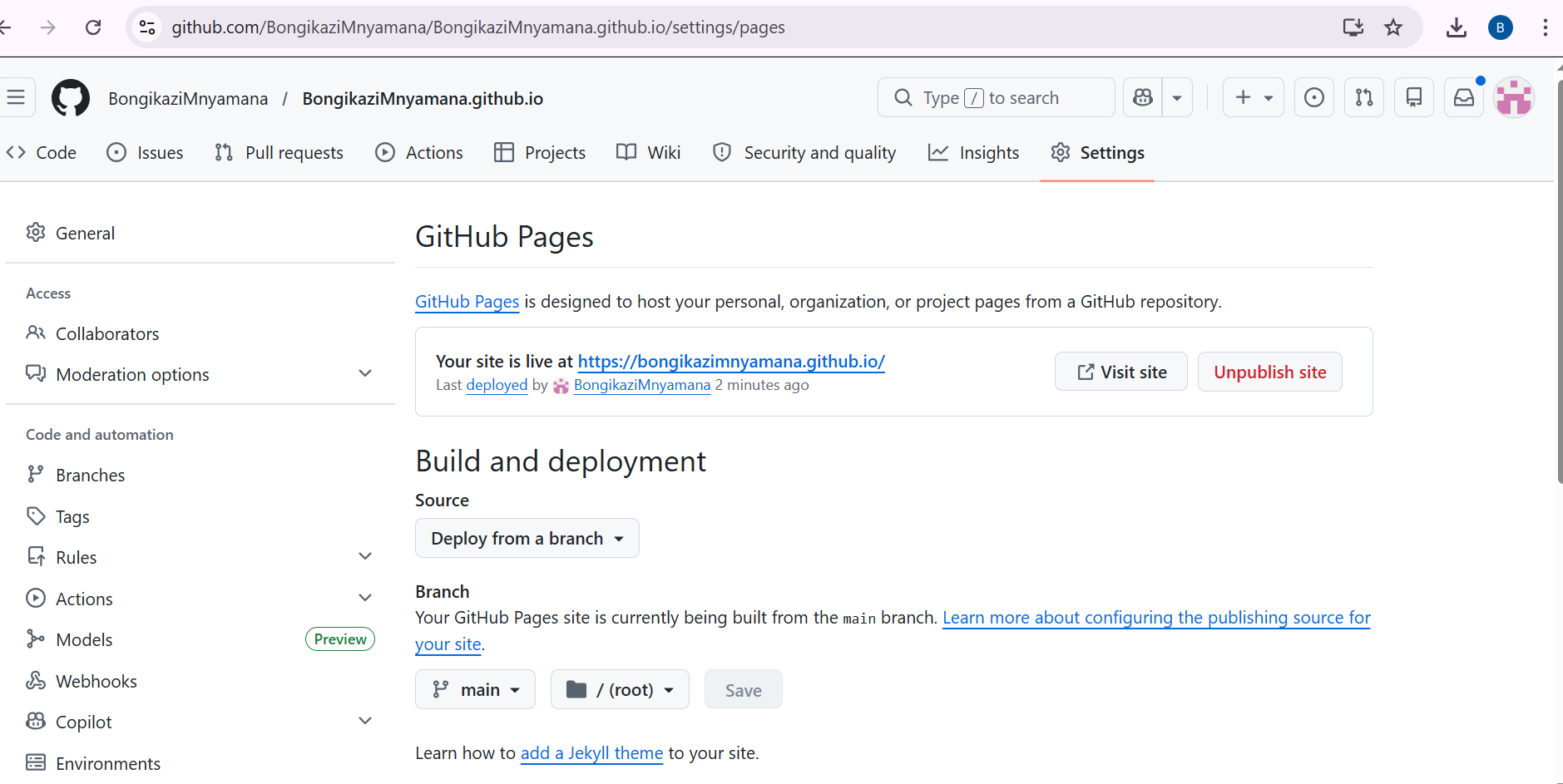
Published on GitHub Pages Reflection
Situation: This was my first time using GitHub, and I was required to not only create a GitHub account but also publish my digital portfolio on GitHub Pages. I had no prior experience with version control or deploying web content through GitHub.
Task: My task was to set up a GitHub student account, upload my portfolio content, and successfully publish it as a live website using GitHub Pages.
Action: I started by creating my GitHub account and familiarising myself with the platform’s interface. I learned how to create a repository, commit and push files, and configure the repository settings to enable GitHub Pages. I worked through errors and settings step by step, using available resources to guide me through the deployment process.
Result: I successfully published my digital portfolio on GitHub Pages. This was a significant achievement for me as a first-time GitHub user. Beyond completing the requirement, I now have a live, accessible portfolio that I can share with future employers. The experience introduced me to industry-standard version control practices and gave me a foundation to continue using GitHub for future academic and professional projects.